Setup
- Sign in to the workspace whose brand context you want to update.
- This guide covers the core
Brand Context fields. - Required files or assets: none. Bring your current positioning, audience, and tone notes.
Step by step
1. Open Brand Kit
From the sidebar, click Brand Kit.
The page opens with Identity and brand controls.
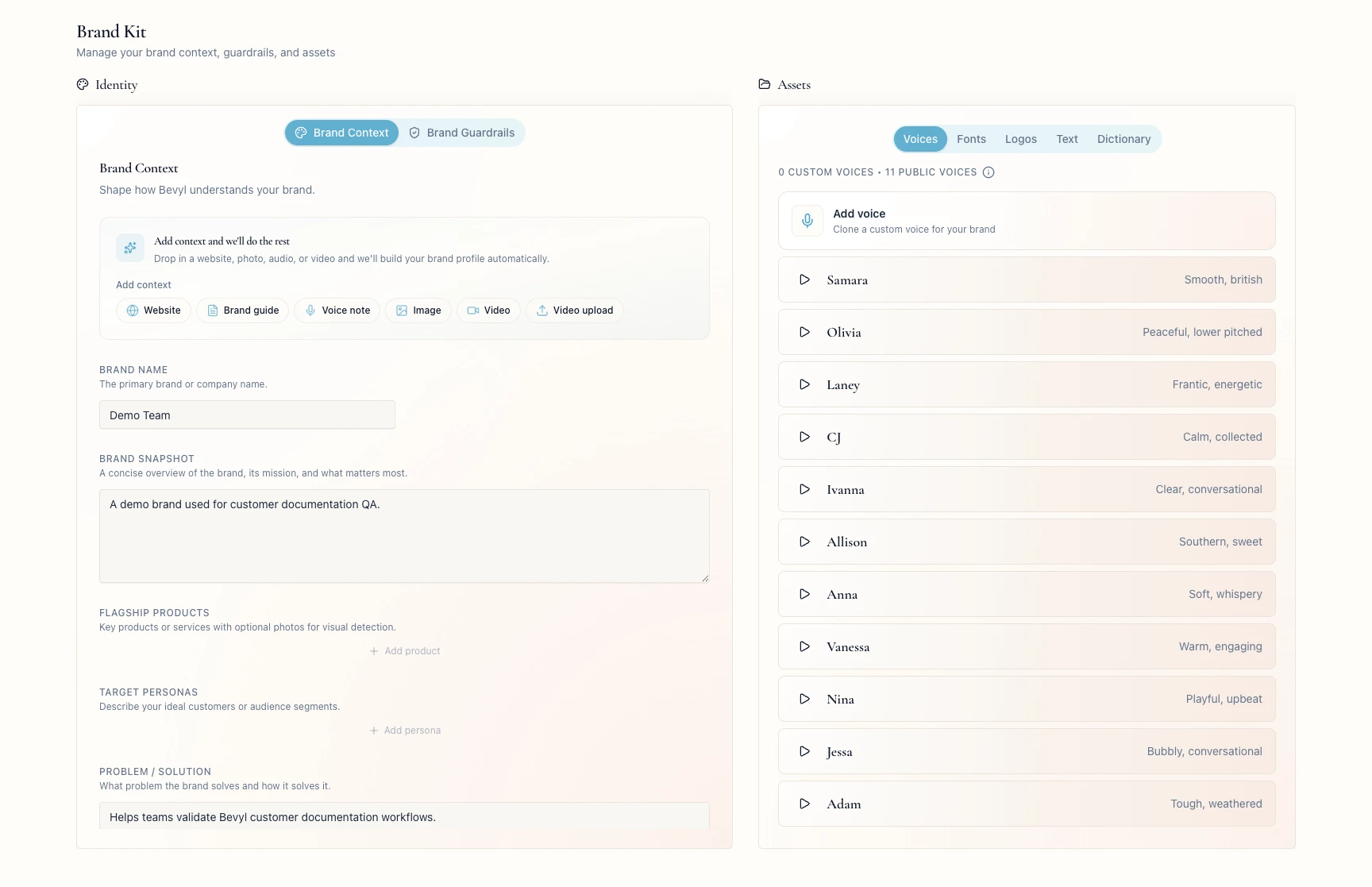
2. Open Brand Context
In Identity, click Brand Context.
The editable fields include Brand Name, Brand Snapshot, Problem / Solution, Differentiators, and Voice & Tone.
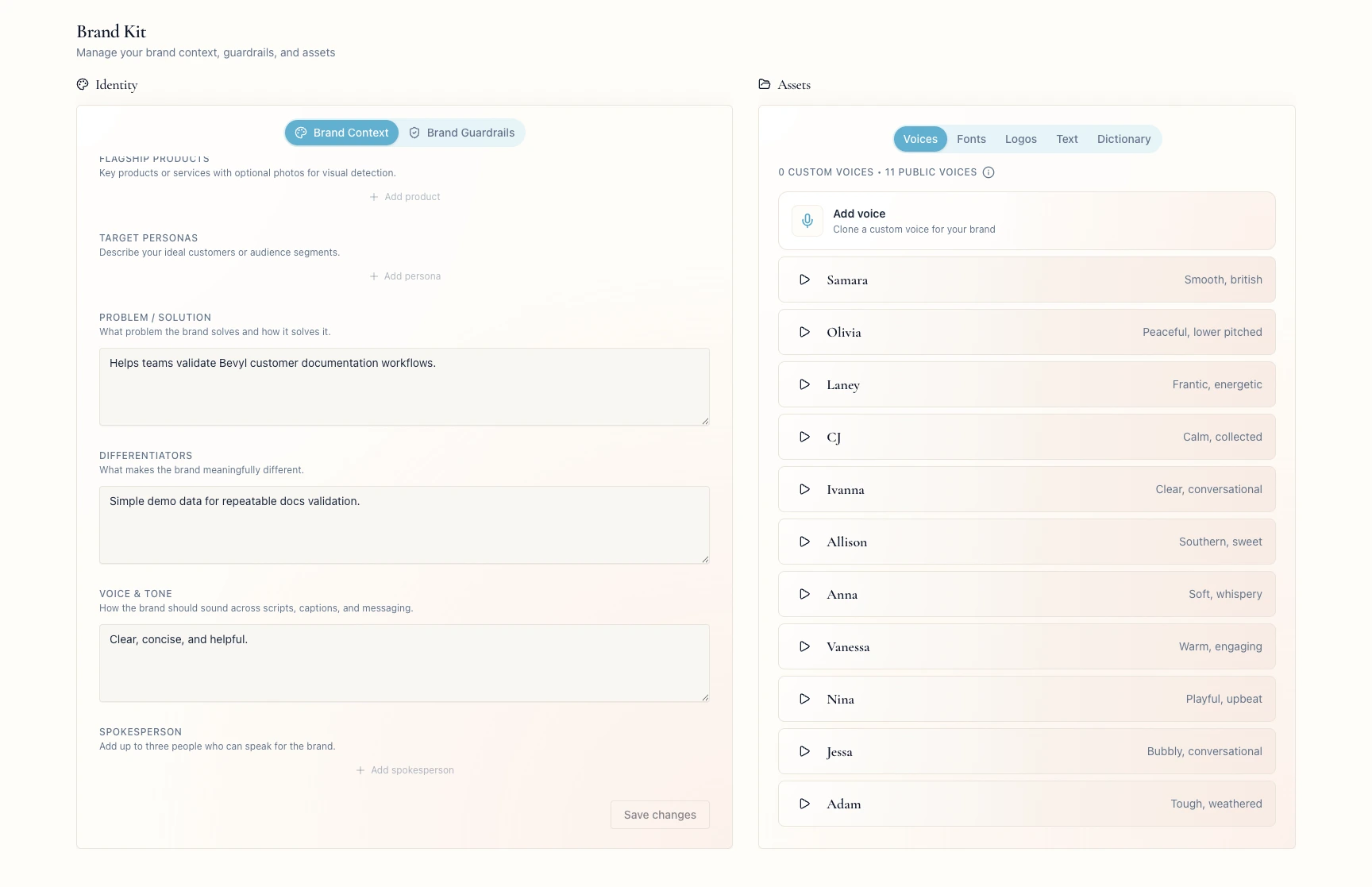
3. Update the brand summary fields
Enter the company name in Brand Name.
Write a concise overview in Brand Snapshot.
These fields are the baseline identity behind workspace drafts.
4. Clarify the problem and difference
In Problem / Solution, state the problem your brand solves and how.
In Differentiators, name what sets the brand apart.
5. Set voice guidance
In Voice & Tone, describe the style, energy, and language Bevyl should prefer or avoid.
Positioning belongs here on Brand Context; rules, hashtags, do's, and don'ts belong in Brand Guardrails.
6. Save your changes
Click Save changes.
Bevyl confirms with Brand context saved.
If something blocks you
Save changes is disabled: it activates after an edit.- Changes vanish after a refresh: check you saved in the right workspace; if the same values keep disappearing, contact support.
- You came to edit products, personas, or spokespeople: use their dedicated fields on this tab.
Done
Brand context saved appeared, and the core fields carry your current positioning.
Next actions:
- Update
Brand Guardrails if the rules changed too. - Start a project and check the draft against the new context.
Related articles
