Setup
- Sign in to the workspace whose brand rules you want to set.
- Required files or assets: none. Gather your hashtags, approved language, and off-limits topics first.
Step by step
1. Open Brand Kit
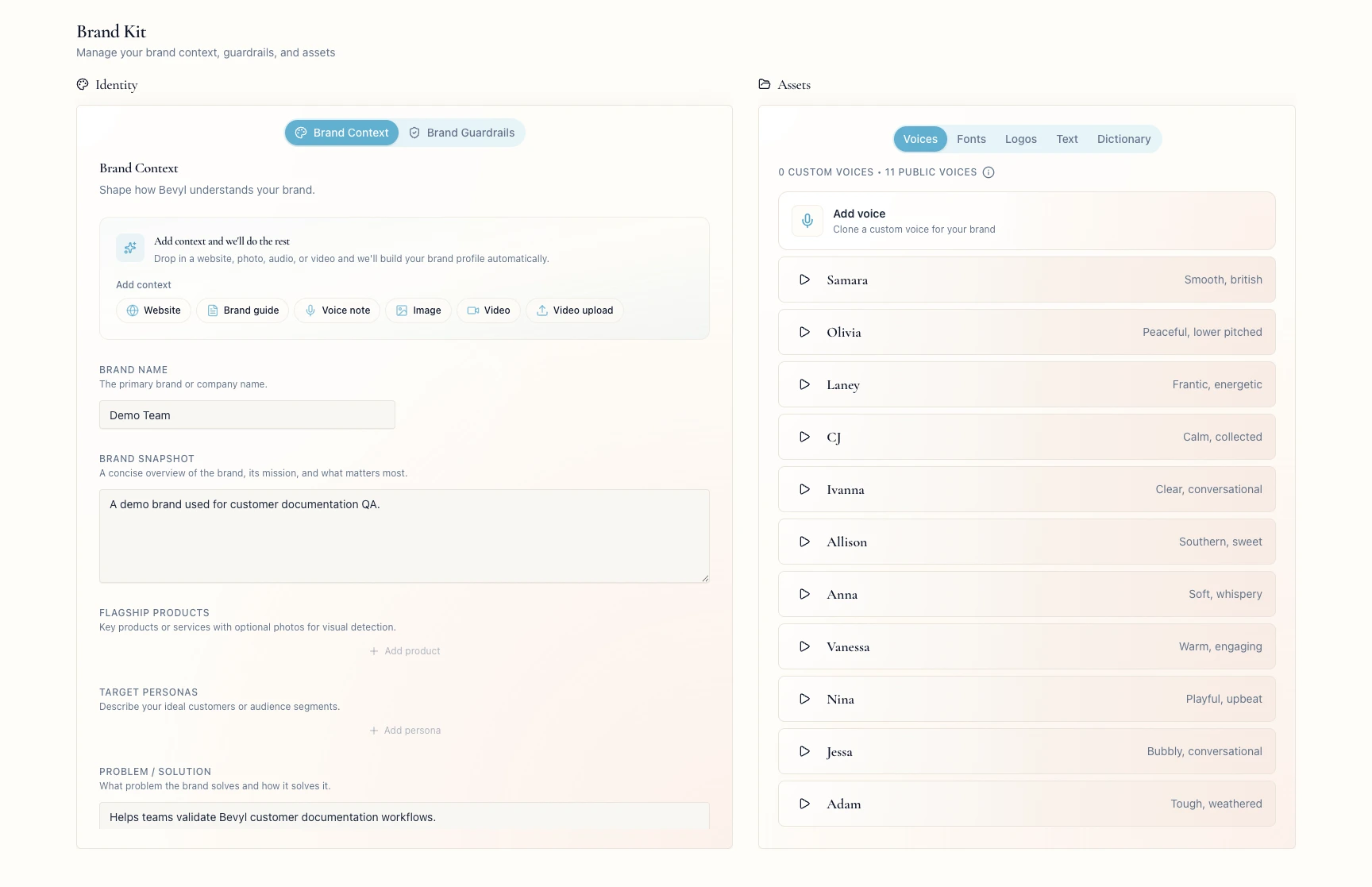
From your workspace, open Brand Kit.
2. Open the Brand Guardrails tab
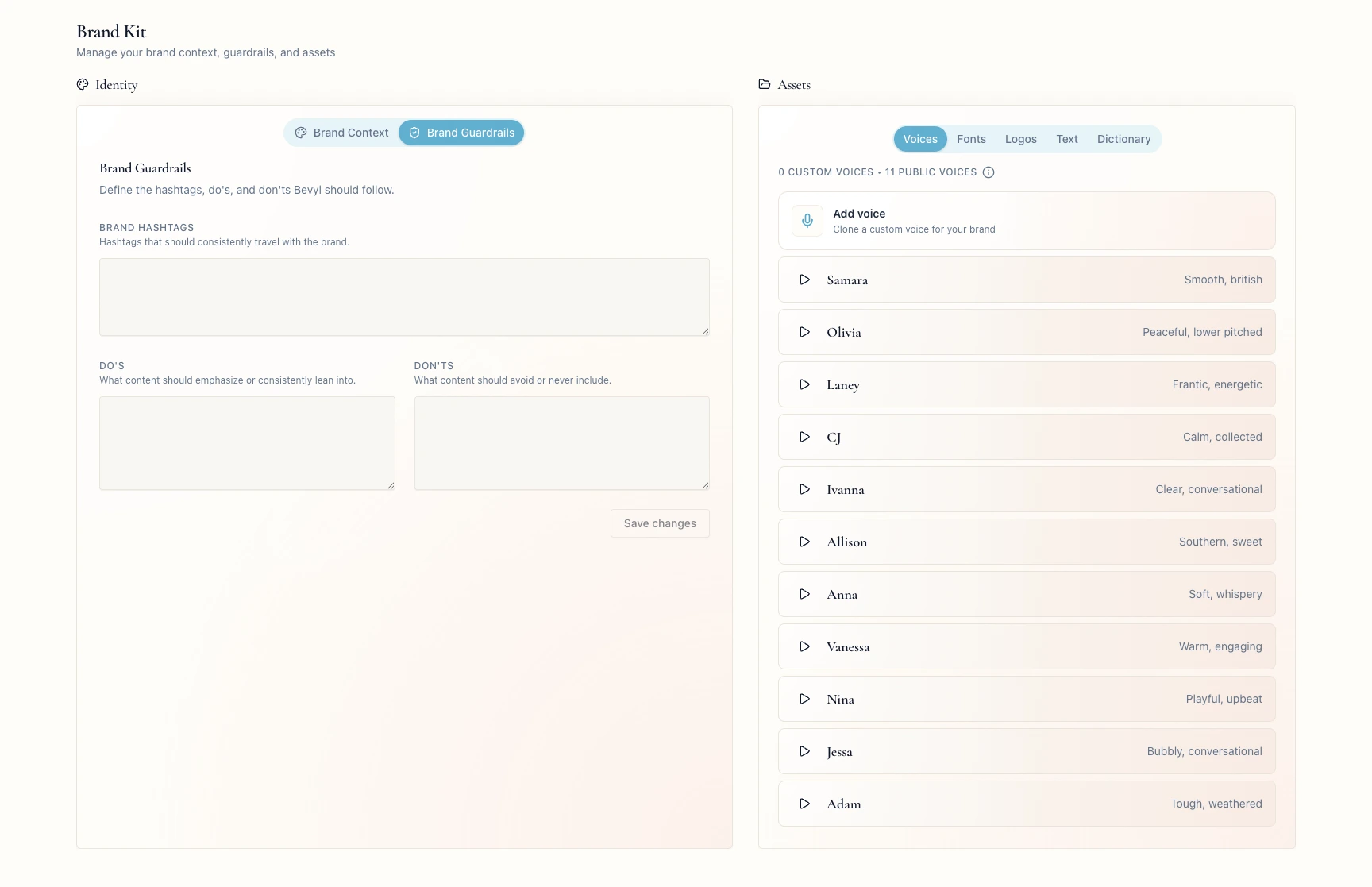
In Identity, click Brand Guardrails.
The tab reads Define the hashtags, do's, and don'ts Bevyl should follow.
In Brand Hashtags, enter the hashtags every branded post should carry.
Keep the field to hashtags Bevyl can reuse.
4. Add content do's and don'ts
In Do's, list the themes, formats, and language your content should use.
In Don'ts, list what it must avoid.
5. Save the changes
Click Save changes.
Bevyl confirms with Brand guardrails saved.
If something blocks you
Save changes is disabled: it activates after an edit in Brand Hashtags, Do's, or Don'ts.- The wrong workspace is open: switch teams before editing
Brand Kit. - The save hangs: keep the tab open and retry
Save changes once the page settles.
Done
Brand guardrails saved appeared, and the rules persist in Brand Guardrails.
Next actions:
- Review
Brand Context so Bevyl has the background to pair with these rules. - Create or update a project that should follow them.
Related articles
