Setup
- Sign in to the workspace where you will create the draft.
- Know your footage: does it carry usable speech, need narration, or suit a trend sound?
- Required files or assets: source videos in
Source Videos or ready to upload; a voice profile for Narrated Story; a chosen trend sound for Trending Sounds.
Step by step
1. Open Projects
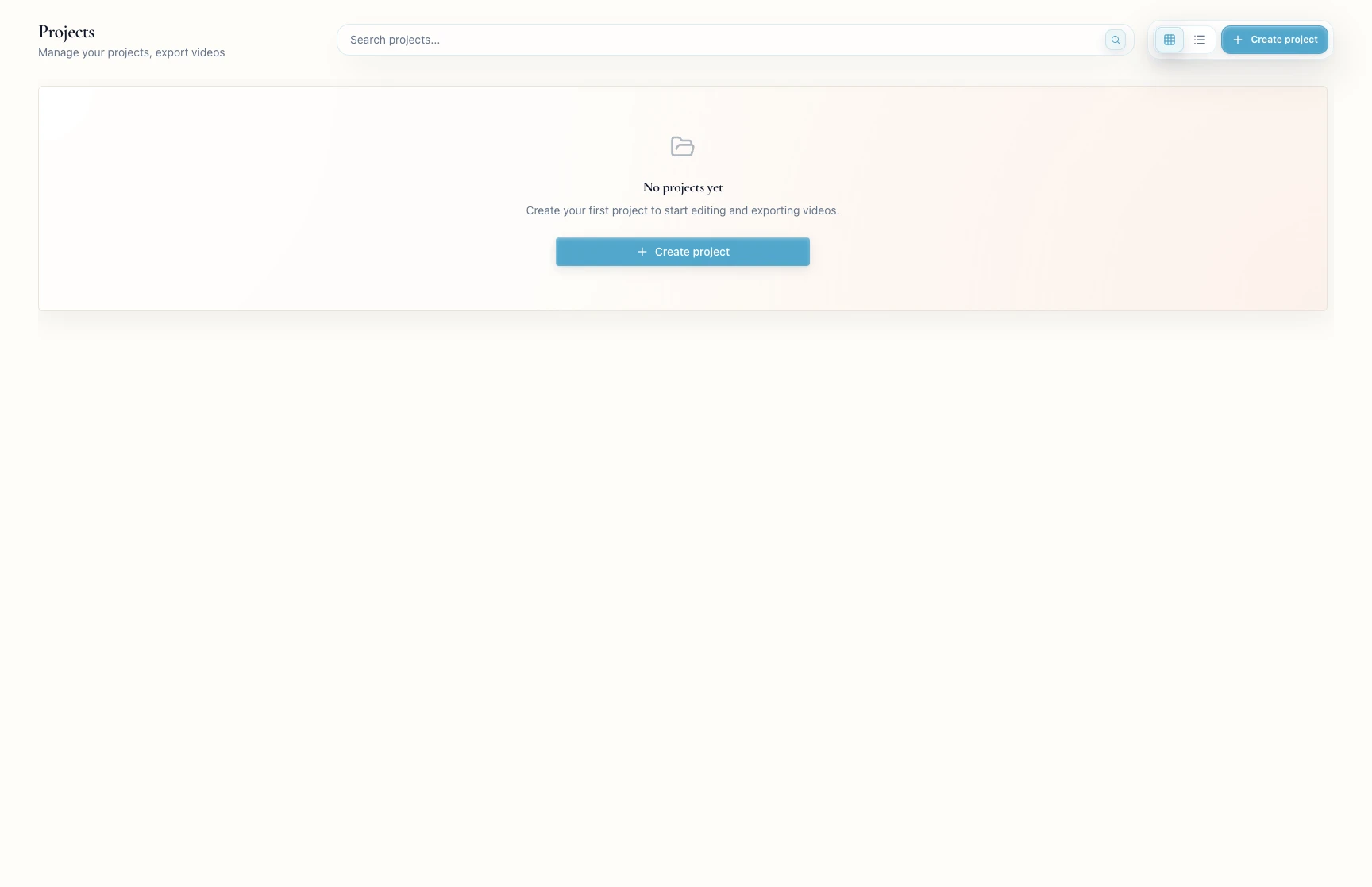
Go to Projects in the sidebar and click Create project.
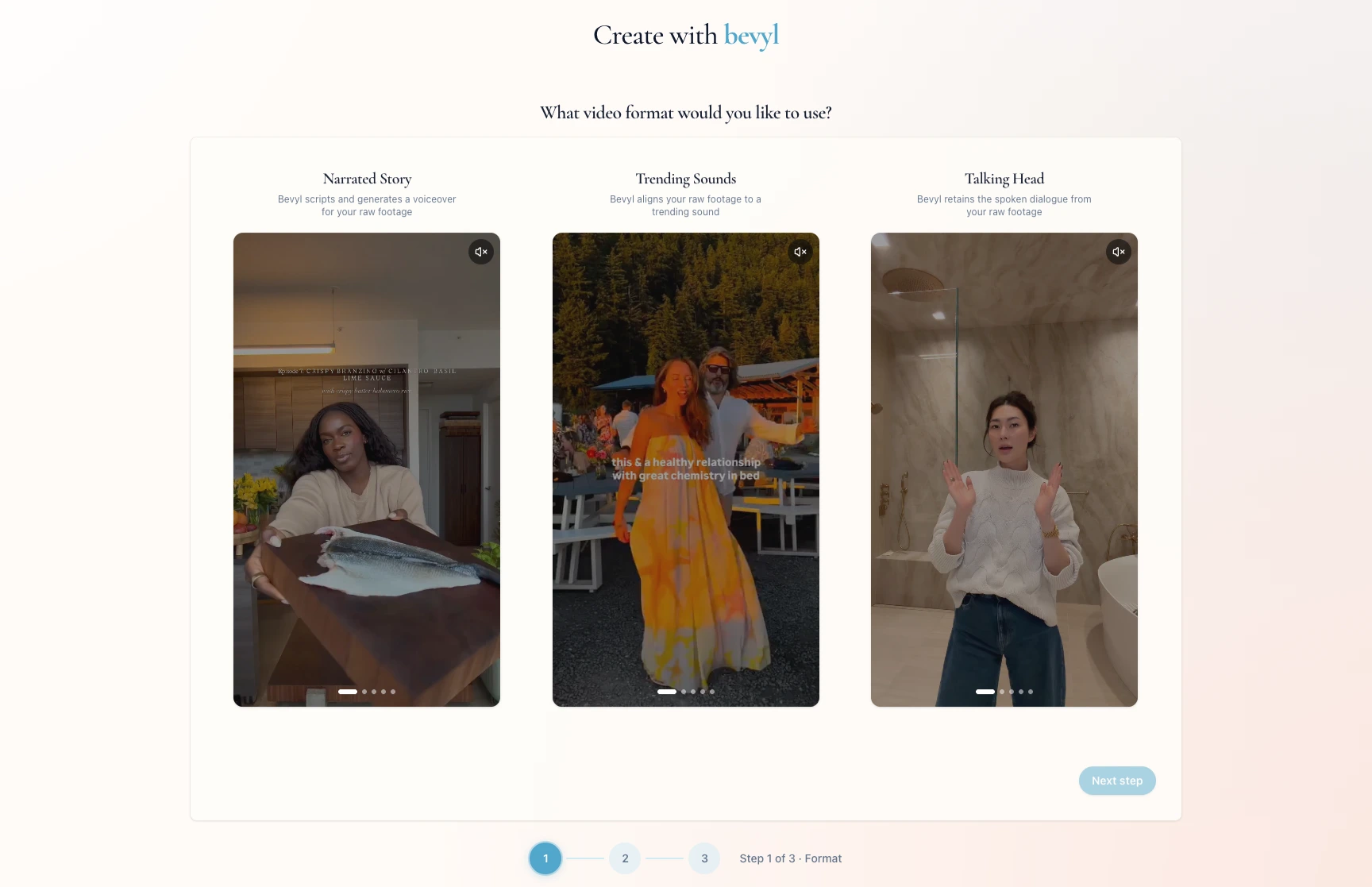
On What video format would you like to use?, pick Narrated Story, Trending Sounds, or Talking Head.
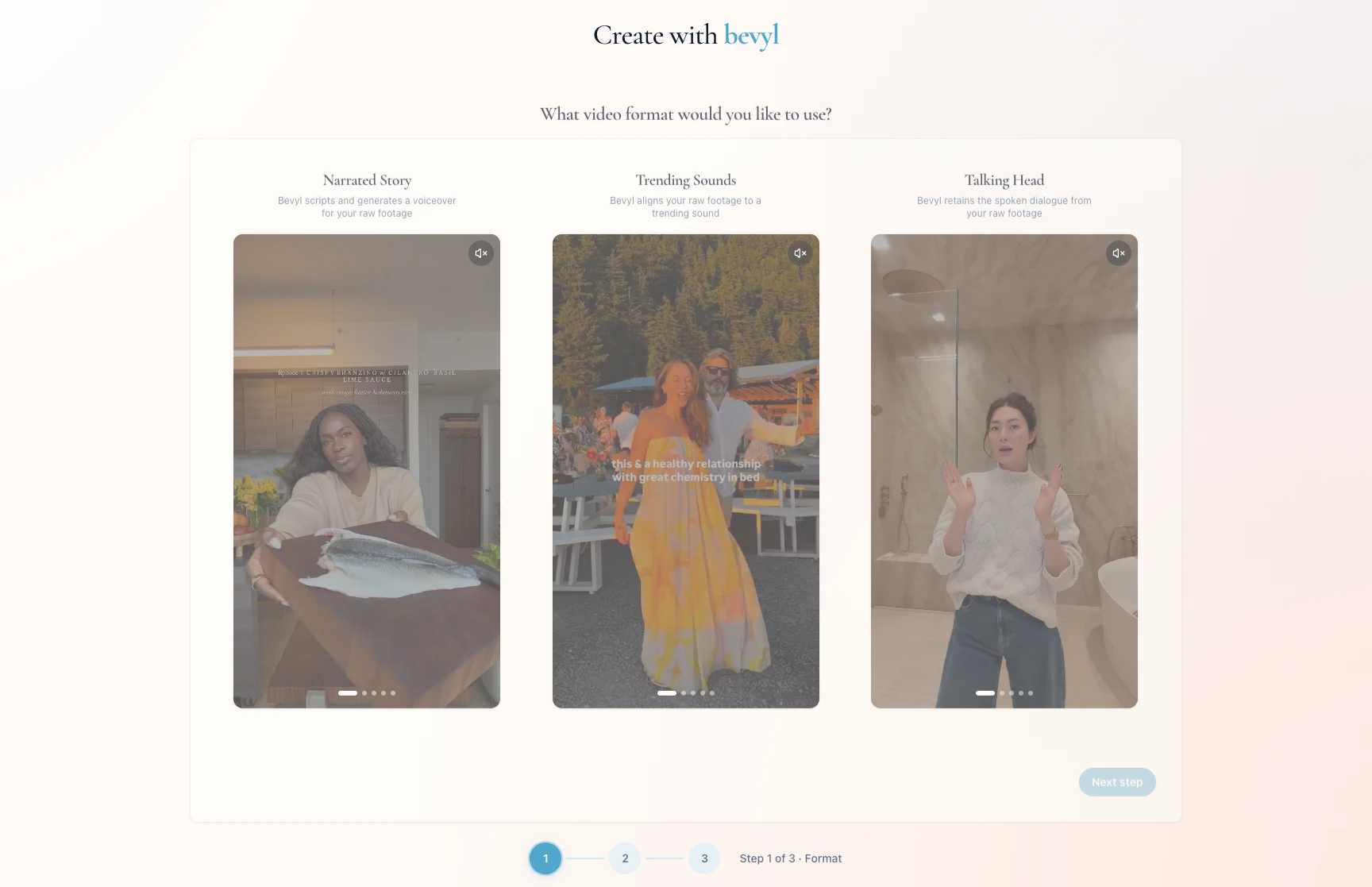
Let the audio path decide:
| If your draft should use... | Choose... | What Bevyl does |
|---|
| Narration over product shots, process clips, or b-roll | Narrated Story | Scripts and generates a voiceover for your raw footage |
| A beat-synced edit that should follow a specific trend recipe | Trending Sounds | Uses the selected trend sound as the audio track, sets the draft length from that sound, and cuts your footage to the trend rhythm |
| Someone already speaking on camera | Talking Head | Retains the spoken dialogue from your raw footage |
The format also sets the draft length:
| Format | Draft length guidance |
|---|
Narrated Story | 15-45 seconds |
Trending Sounds | 4-30 seconds |
Talking Head | 15-60 seconds |
Trending Sounds is the most template-led format: each trend brings its own sound length, cut rhythm, and footage needs. For open control over duration, clip order, and pacing, choose Narrated Story or Talking Head.
Click Next step to open the input step.
Select at least one source video, then make the choice your format requires:
Narrated Story: select a voice profile.Talking Head: nothing more — the original audio stays.Trending Sounds: select the trend sound and read its recipe for length, rhythm, and suggested raw moments.
Click Next step when it activates.
If something blocks you
- No format feels right: decide by audio path, not by channel.
Next step is disabled: select a source video, then finish the voice or trend choice your format requires.
Done
The create flow has advanced to the prompt step for your chosen format.
Related articles
